Mobile Push Notifications: What You Only Learn by Getting It Wrong
15 April 2026
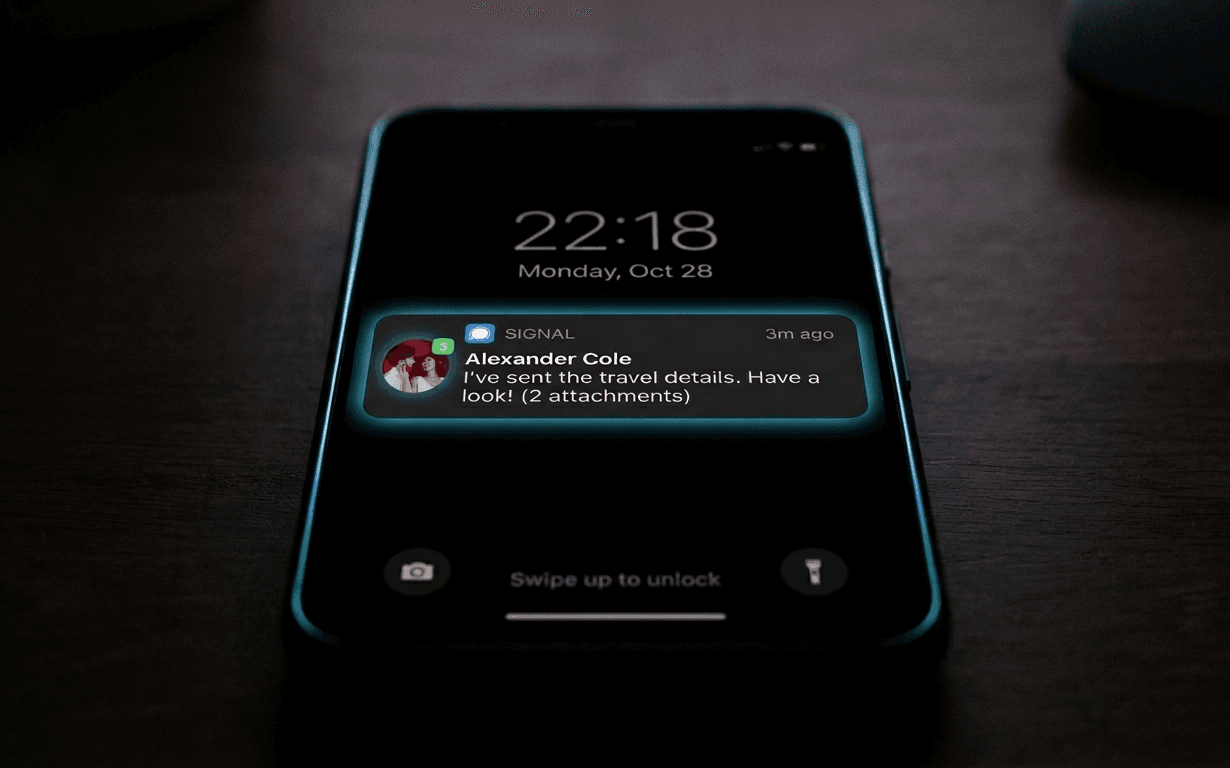
Expo's documentation for push notifications is good. It's clear, has working examples, and you can get a demo running in an afternoon.
Then you ship to production and discover the demo was the easy case.
How the Basic Flow Works
Expo handles push notifications through its own forwarding service: your app asks the user for permission, gets an Expo Push Token, and you save it on the backend. When you want to send a notification, you make a request to Expo's API, which forwards it to APNs (Apple) or FCM (Google) depending on the platform.
// client-side: get the token
const { status } = await Notifications.requestPermissionsAsync();
if (status !== "granted") return;

const token = await Notifications.getExpoPushTokenAsync({
  projectId: Constants.expoConfig?.extra?.eas?.projectId,
});

// save to backend
await api.post("/push-token", { token: token.data });
// server-side: send a notification
await fetch("https://exp.host/--/api/v2/push/send", {
  method: "POST",
  headers: { "Content-Type": "application/json" },
  body: JSON.stringify({
    to: token,
    title: "New photo in gallery",
    body: "Someone uploaded a photo. Go check it out!",
  }),
});
Simple. It works. And then the first real problems arrive.
The First Problem: Permissions Don't Land
On iOS, the permissions system is rigid. If the user denies the first request — or doesn't respond, or accidentally presses "Don't Allow" — you can't ask again from the app. The only path is system Settings.
This means the UX of the moment you ask for permissions is critical. If you show the system dialog too early — before the user understands what the app does and why notifications would be useful — you lose a significant percentage of users permanently.
For ReD Sposi I waited until the RSVP was completed to ask for permissions. At that point the user has already invested something in the app, understands what it does, and has a concrete reason to want updates. The permission conversion rate was much higher.
On Android the system is more permissive — notifications are enabled by default up to Android 13, and even after that they're easier to re-enable. But precisely because of this, Android users are less used to making a conscious choice, and it's still worth contextualizing the request.
The Second Problem: Tokens Expire and Change
An Expo Push Token isn't permanent. It changes if the user reinstalls the app, changes device, and in some cases after significant app or OS updates.
If you don't handle this, you accumulate stale tokens in the database and notifications stop arriving silently — no explicit error, no indication, nothing simply happens.
The solution is to update the token every time the app starts in foreground:
useEffect(() => {
  const syncToken = async () => {
    const token = await Notifications.getExpoPushTokenAsync({ ... });
    // upsert on backend: update if exists, create if not
    await api.post("/push-token", { token: token.data });
  };
  syncToken();
}, []);
On the backend, when a notification fails with DeviceNotRegistered, remove the token from the database. Expo returns this error in the response body for tokens that are no longer valid.
const result = await sendPushNotification(token, payload);
if (result.details?.error === "DeviceNotRegistered") {
  await PushToken.deleteOne({ token });
}
The Third Problem: iOS/Android Differences on Channels
On Android 8+, notifications belong to channels — categories configurable by the user in system settings. If you don't define a channel, Expo creates a default one, but you lose the ability to give users granular control.
For ReD Sposi I defined two channels: one for social notifications (new photos, chat messages) and one for important notifications (RSVP confirmation, schedule updates). The user can silence the first without losing the second.
await Notifications.setNotificationChannelAsync("social", {
  name: "Social updates",
  importance: Notifications.AndroidImportance.DEFAULT,
  sound: true,
});

await Notifications.setNotificationChannelAsync("important", {
  name: "Important updates",
  importance: Notifications.AndroidImportance.HIGH,
  sound: true,
});
Channels don't exist on iOS — the control system is different (categories are more limited). So this logic only applies to Android, and it's easy to forget if you develop primarily on the iOS simulator.
What the Simulator Doesn't Test
The iOS simulator doesn't support push notifications. Full stop. You can test foreground notification handling with Notifications.scheduleNotificationAsync, but real pushes require a physical device.
This creates a testing gap you feel: during development, the push notification flow is always a bit opaque because you can't see it working comfortably. The first time you see it actually working is often in production, with real users.
I partially solved this with a test endpoint in the admin panel that sends a push notification to myself. Not elegant, but it was the fastest way to verify the end-to-end flow worked without waiting for something real to happen in the app.
Is It Worth the Effort?
Yes. For ReD Sposi push notifications are the difference between an app guests use actively and an app they open once and forget.
When a new photo is uploaded, a notification brings guests to the gallery. When the chat is active, a notification keeps the conversation alive. When I update the day's schedule, everyone knows within seconds.
The docs get you seventy percent of the way. The remaining thirty — token management, iOS permissions, Android channels, testing on a physical device — you learn in production. It's frustrating, but it's not avoidable.