Claude Code: What It's Actually Like to Use It
8 March 2026
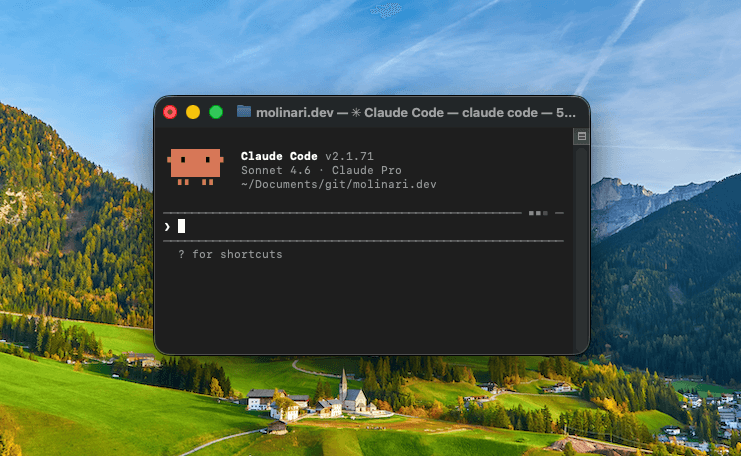
I've tried most of the AI coding tools. Copilot, Cursor, various chat-based assistants where you paste code and ask questions. Some of them improved parts of my workflow. Most of them faded out within a few weeks because the friction of using them exceeded the benefit.
Claude Code is different. I've been using it for months now, and it's genuinely changed how I work — not in a "the future is here" way, but in a quieter, more useful way.
What it actually is
Claude Code is a terminal-based agent. You run it in your project directory, describe what you want, and it reads your files, writes code, runs commands, and iterates. It's not autocomplete. It's not a chat window where you paste snippets. It operates on your actual codebase, with full context.
That distinction matters more than it sounds. The problem with most AI coding tools is context: you're constantly feeding them the relevant files, explaining the architecture, re-establishing what you were doing. Claude Code reads the codebase itself. It finds the relevant files. When it makes a change in one place, it knows what that change implies for others.
It's not magic. It still makes mistakes. But the surface area of useful interaction is much larger than anything I'd used before.
Where it earns its keep
The most obvious wins are the ones everyone talks about: boilerplate, repetitive refactors, scaffolding things you know how to do but don't want to spend forty minutes doing. Those are real, and they compound quickly when you're building in the margins with a few focused hours per week.
But the more interesting use cases are less obvious.
Navigating unfamiliar territory. When I'm working in a part of a codebase I haven't touched in months, or picking up a client project I didn't write, the cost of re-orientation is significant. Claude Code collapses that. I describe what I'm trying to do and it maps the relevant paths, identifies the right files, and surfaces things I'd otherwise spend time grep-ping for. It's a force multiplier specifically because it removes the low-value parts of getting oriented.
The second-opinion loop. Before I commit to an approach on anything architectural, I'll often describe the problem and my thinking to Claude Code and ask where it disagrees. It's not always right, but it consistently surfaces the tradeoff I was about to ignore. That feedback loop — fast, low-stakes, specific — is something I used to get from colleagues. Working largely independently, it's surprisingly useful to have it.
Writing alongside building. This site, this post. Claude Code helps me move faster on the implementation work so I actually have time to write.
Where it doesn't help
Complex debugging with subtle timing issues, race conditions, or environment-specific behavior: the model can reason about these, but it lacks access to the runtime state that would actually resolve them. You still have to dig.
Architecture decisions that require understanding the full business context: Claude Code doesn't know why you made the choices you made two years ago, what constraints are actually fixed versus accidental, what you've already tried. It can suggest, but the judgment is still yours.
And it's genuinely bad at knowing when to stop. It will sometimes make sweeping changes that solve the stated problem and introduce three adjacent problems you didn't ask it to solve. Scope management is on you.
The honest conclusion
The best version of an AI coding tool isn't one that replaces your judgment — it's one that lets you spend your time on the parts where your judgment actually matters. That's what Claude Code has become for me.
The low-value parts of writing software — scaffolding, lookup, mechanical refactoring, orientation in unfamiliar code — those go faster. The high-value parts — deciding what to build, why, and how it should really work — still take the same time. Which is correct.
If you're a professional developer and you haven't tried an agentic coding tool seriously, it's worth a real experiment. Not a few hours. A few weeks, on a project you actually care about. The gains are there — they're just more boring and more real than the demos suggest.